You describe. It designs.
Write each section in plain words. It comes out looking designed.
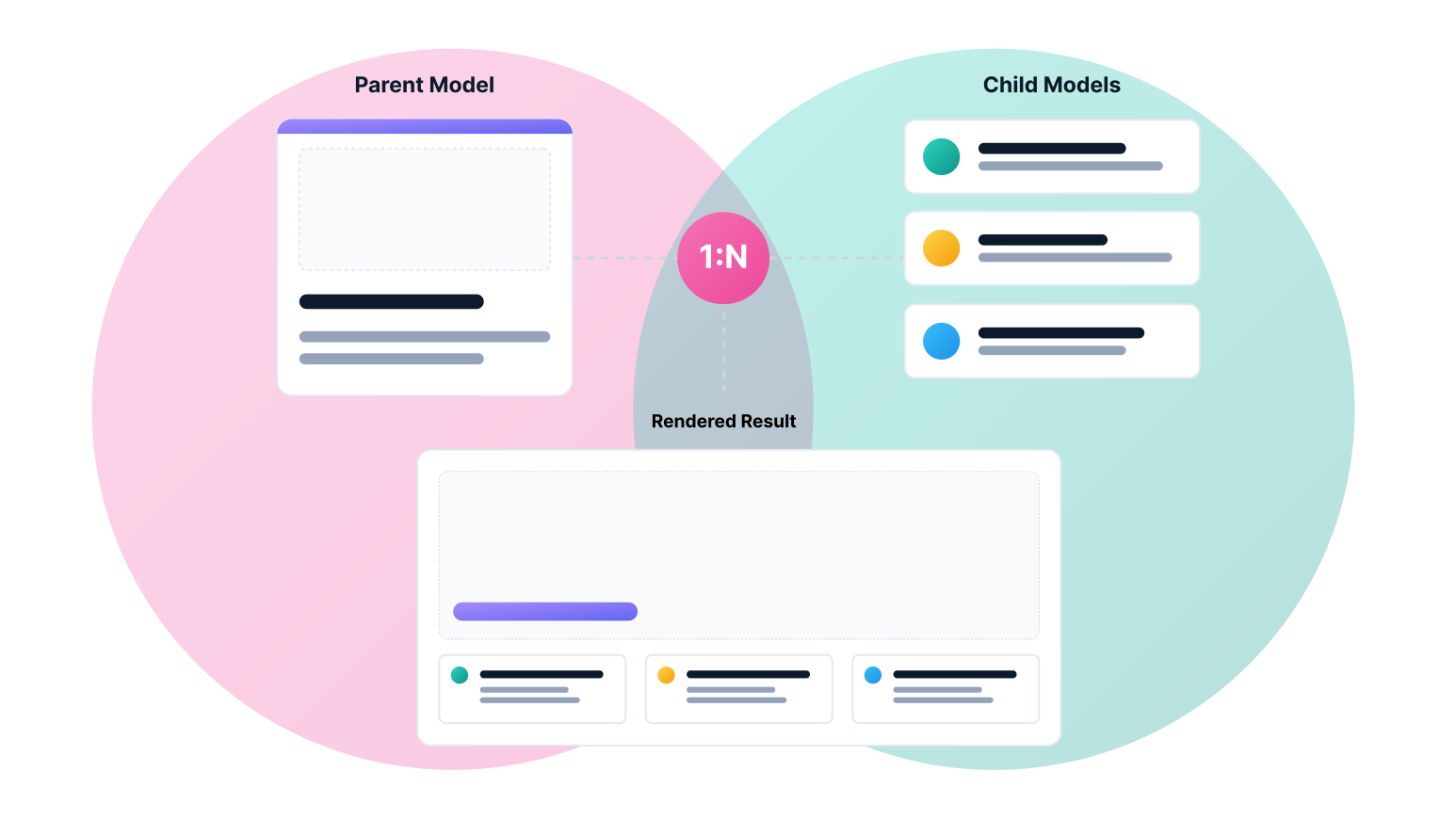
You know your business. You should not have to become a designer to put it online. Describe what you have, section by section, in plain language, and each description comes out as a clean, professionally laid-out section. You decide what to say. Enine handles how it looks.
How the engine reads a section
You add the content. The right layout appears. You never pick a template.
Add a section with one big image, and it opens like a visual statement. Add a row of short points, and they line up as a tidy grid. Enine reads what each section actually contains and picks the layout that fits it. You never open a template picker or fuss with columns. You write, and it arranges.
What the lead item carries
A photo, an icon, or plain text at the top sets the tone for the whole section.
How many items follow
One item gets featured. A few line up in a row. Many become a clean list.
What the supporting items carry
Add images and the section turns visual. Keep it text and it stays clean and simple.
The hierarchy of visual weight
When a section mixes images and text, the image gets the spotlight. Always.
When a section mixes an image with a few lines of text, the image takes the lead and everything else arranges around it. This one rule runs across every section and every theme, so your pages look deliberate instead of thrown together, even when you are adding content quickly and not thinking about design at all.
The engine resolving a real section
Watch a real section fall into place on its own.
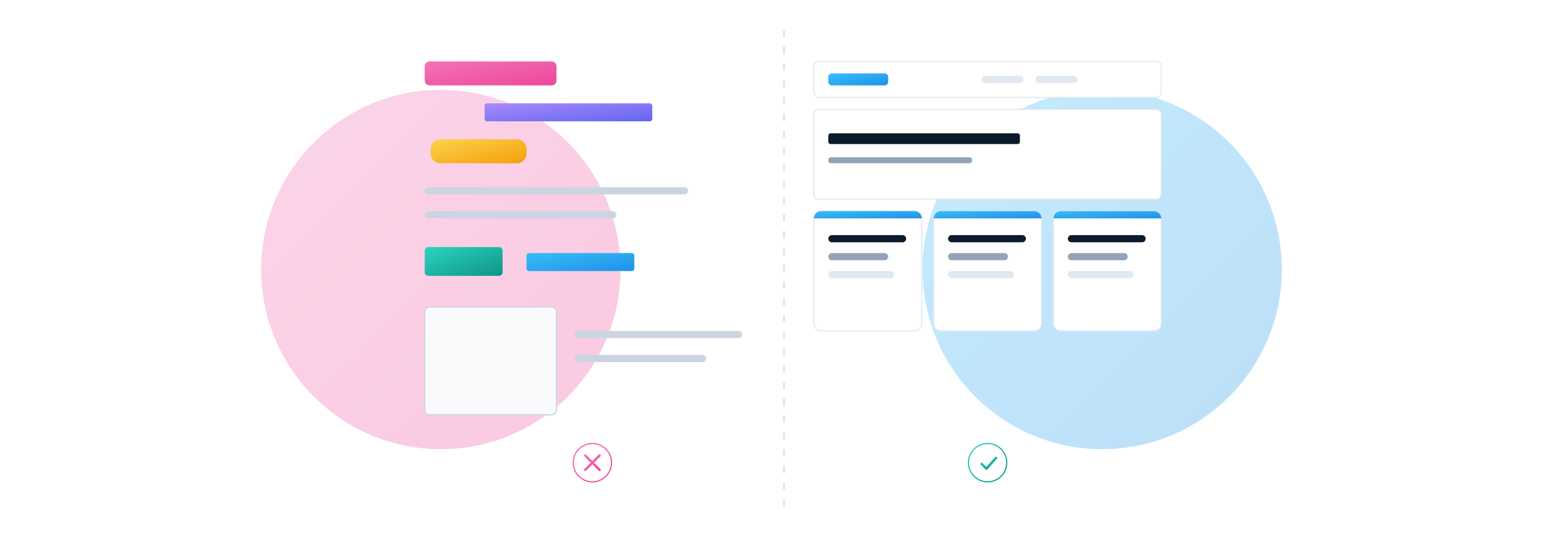
Say you add a features section: a short intro, then four points, one of them with a photo. Enine sees the photo, sees the four points, and lays it out as a full-width visual on top with a neat three-across row below. You did not choose a template or set up a grid. You described what you had, and the page took the right shape.
Why EnineSites
Most website builders hand you a blank page and walk away. That's the problem.
We did not set out to build another website builder. We set out to fix the moment we kept watching people lose to: you pay for a domain, pick a template, open the editor, and freeze, staring at a blank page with no idea what to write. Everything in Enine follows from fixing that one thing.
Get Started
Three ways in. Pick the one that fits what you've already got.
There are three ways to begin, depending on what you are bringing with you: import a site you already have, start from a template close to your business, or start from a clean slate. Pick whichever fits. You can switch later, and they all lead to the same place.
FAQ
If you're on the fence, you're probably asking one of these.
Almost every buyer asks the same handful of questions. Here they are, answered plainly, with answers we actually stand behind.
WordPress is a plugin-based system you install, configure, and maintain. Enine is a model you fill in section by section, and the site renders from it, with no plugins, no updates to manage, and no conflicts to diagnose. The honest trade-off: Enine is more opinionated and less endlessly customizable than WordPress. For most businesses, that is the point.